WordPress powers over 40% of all websites on the internet, making it the most popular content management system (CMS) in the world. Whether you’re building a blog, an e-commerce store, or a business website, learning how to develop a WordPress site is a valuable skill. This guide will walk you through the entire process—from setup to customization—so you can create a professional, functional, and visually appealing website.
Before diving into design and content, you need to lay the foundation for your WordPress site. This involves choosing a hosting provider, installing WordPress, and configuring basic settings.

Your hosting provider affects your site’s speed, security, and uptime. Here are some top options:
Look for features like one-click WordPress installation, SSL certificates, and 24/7 support.
Most hosting providers offer a simple one-click WordPress installation. Here’s how it works:
Once installed, you can access your WordPress dashboard at yoursite.com/wp-admin.
After installation, adjust these essential settings:
These tweaks ensure your site runs smoothly from the start.
Now that your site is live, it’s time to make it visually appealing and functional. This involves selecting a theme, customizing layouts, and adding essential plugins.
Your theme determines your site’s appearance. You can choose from:
Consider factors like responsiveness, customization options, and loading speed.
WordPress offers built-in customization tools under Appearance > Customize. Key adjustments include:
For deeper customization, use a page builder like Elementor or Beaver Builder.
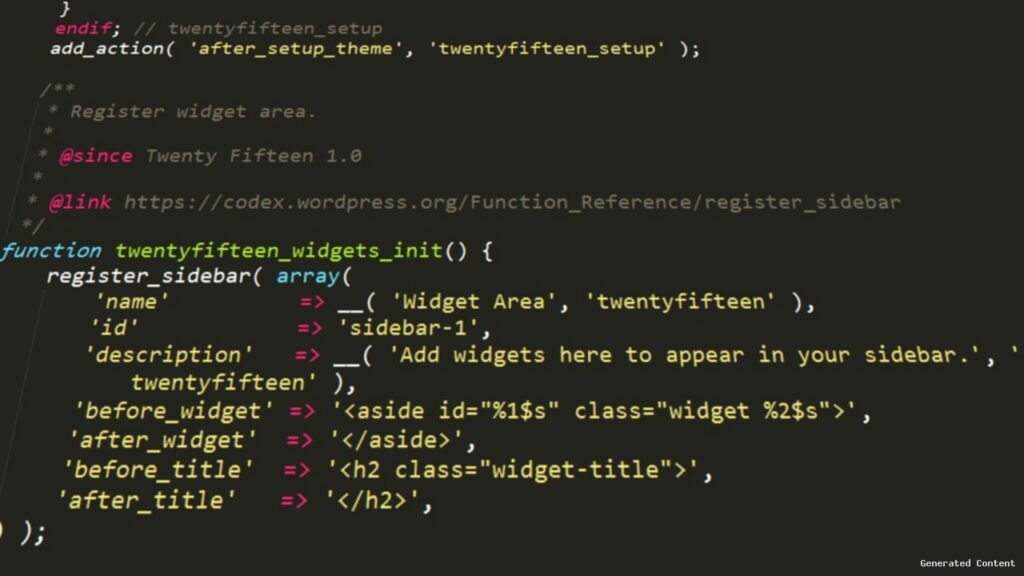
Plugins extend your site’s functionality. Must-have plugins include:
Always keep plugins updated to avoid security risks.
A well-developed WordPress site needs engaging content and optimal performance. This section covers content creation, SEO, and speed optimization.
Content is king—here’s how to make it effective:
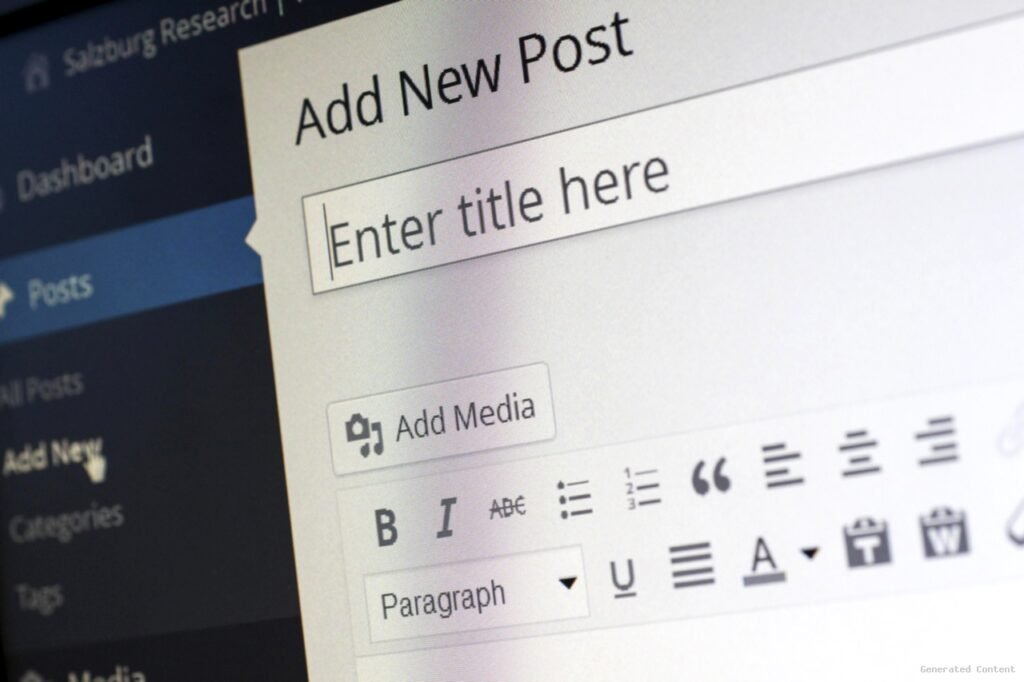
WordPress’s Gutenberg editor makes content creation intuitive.
To rank higher on search engines, follow these SEO best practices:
Plugins like Yoast SEO guide you through optimization.
A slow or insecure site drives visitors away. Boost performance with:
Regularly monitor performance using Google PageSpeed Insights.
Developing a WordPress site involves three key phases: setting up your site, designing it, and optimizing content and performance. By choosing the right hosting, customizing a theme, adding essential plugins, and following SEO best practices, you can create a professional website that attracts and retains visitors. Whether you’re a beginner or an experienced developer, WordPress offers the flexibility and tools needed to build a successful online presence.
Ready to start? Follow this guide, and you’ll have a fully functional WordPress site in no time!